Install Calcumber from Microsoft Store
Open Calcumber in Microsoft Store:
If the Store app is not available, open the web listing and use Microsoft’s install option there.
Install via Browser
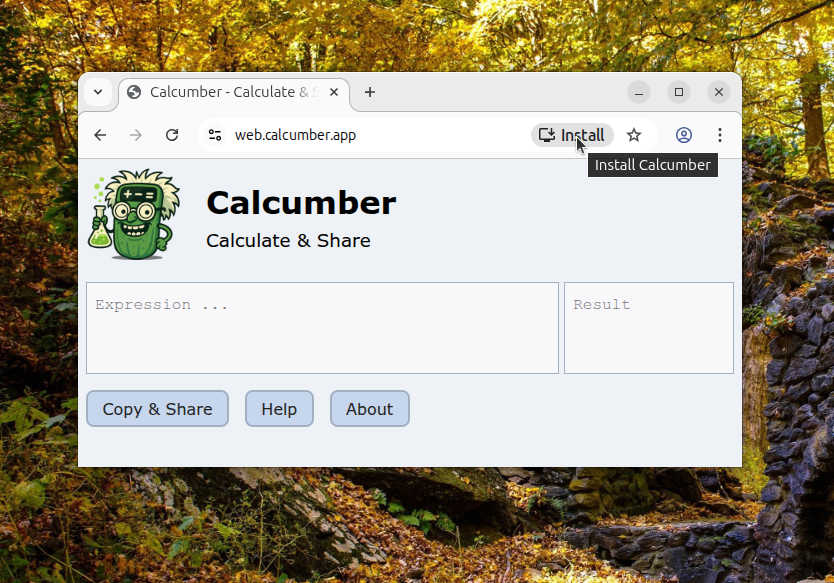
Progressive Web Apps like Calcumber can be installed directly by the web browser. The install button is typically located on the right of the address bar and is only available while the web app is open in the browser.
Unfortunately, Firefox does not integrate installed web apps well into the operating system. Therefore, prefer installing Calcumber using the browsers from below list:
| Windows: | Edge, alternatively Chrome |
| Linux: | Chromium, alternatively Chrome or Edge |
| macOS: | Safari, alternatively Chrome |
| Android: | Chrome |
| iPhone: | Safari |